


### Blog Post:
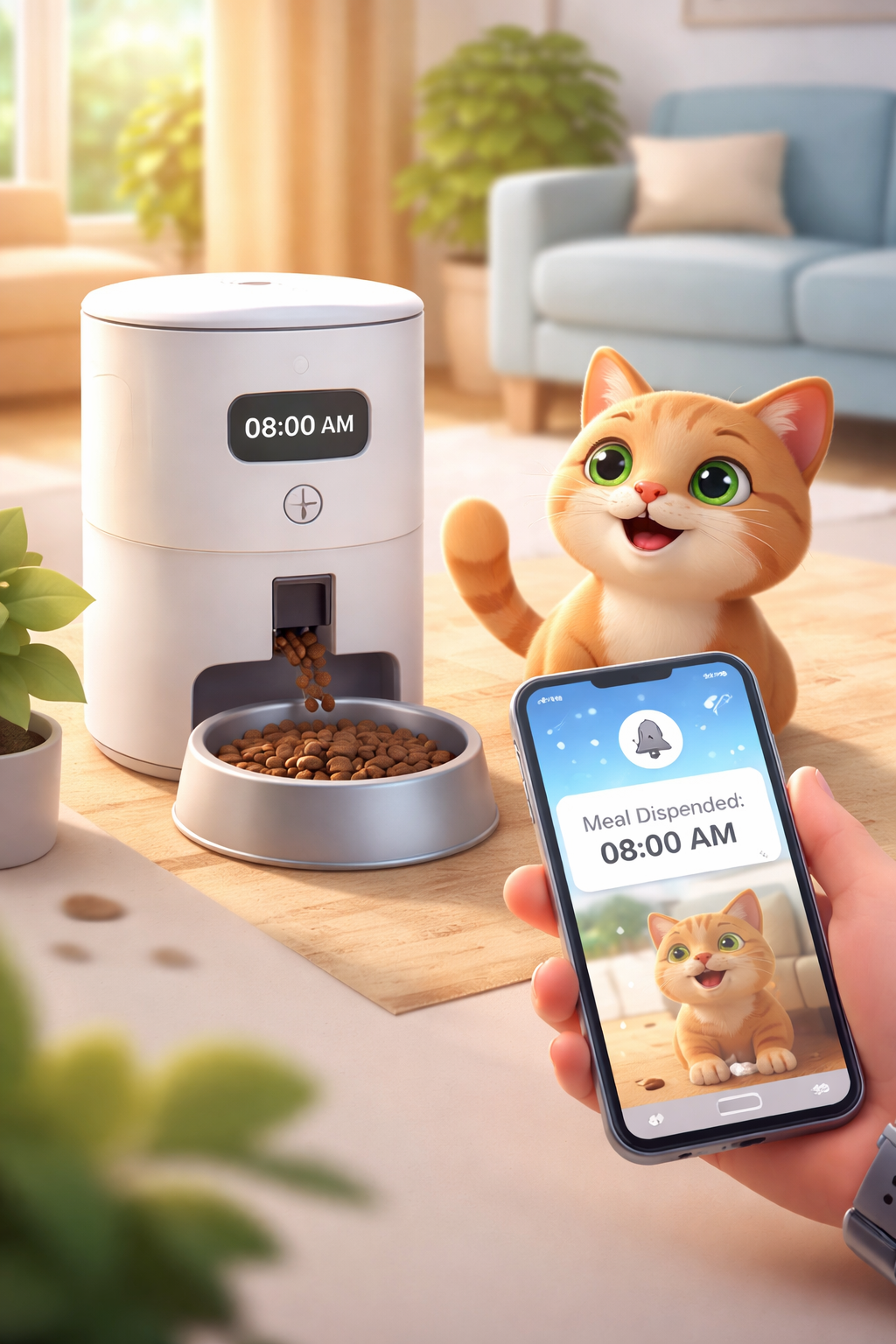
Smart automatic pet feeder technology is quickly changing how we care for our pets, letting owners automate feeding, monitor animals remotely, and even interact through WiFi-enabled cameras. Whether you’re worried about a missed meal or want to check in from work, smart automatic pet feeder promise new freedom—but what should you really expect?
Key Takeaways
- WiFi pet feeders with cameras dominate the 2024 market due to convenience and app-connected features.
- Current data highlights rapid, sustained market growth but little transparency about costs or tech specs.
- Buyers should scrutinize security, backup options, and actual reliability before purchase.
- What Is A Smart Automatic Pet Feeder And Why It Matters
- How To Choose And Set Up A Smart Automatic Pet Feeder
- Advanced Analysis & Common Pitfalls
- Final Thoughts
- Frequently Asked Questions
What Is A Smart Automatic Pet Feeder And Why It Matters
A smart automatic pet feeder is an advanced device designed to schedule, portion, and sometimes remotely monitor your pet’s meals using WiFi and smartphone apps. Many models now feature built-in cameras, allowing video check-ins and interaction while you’re away.
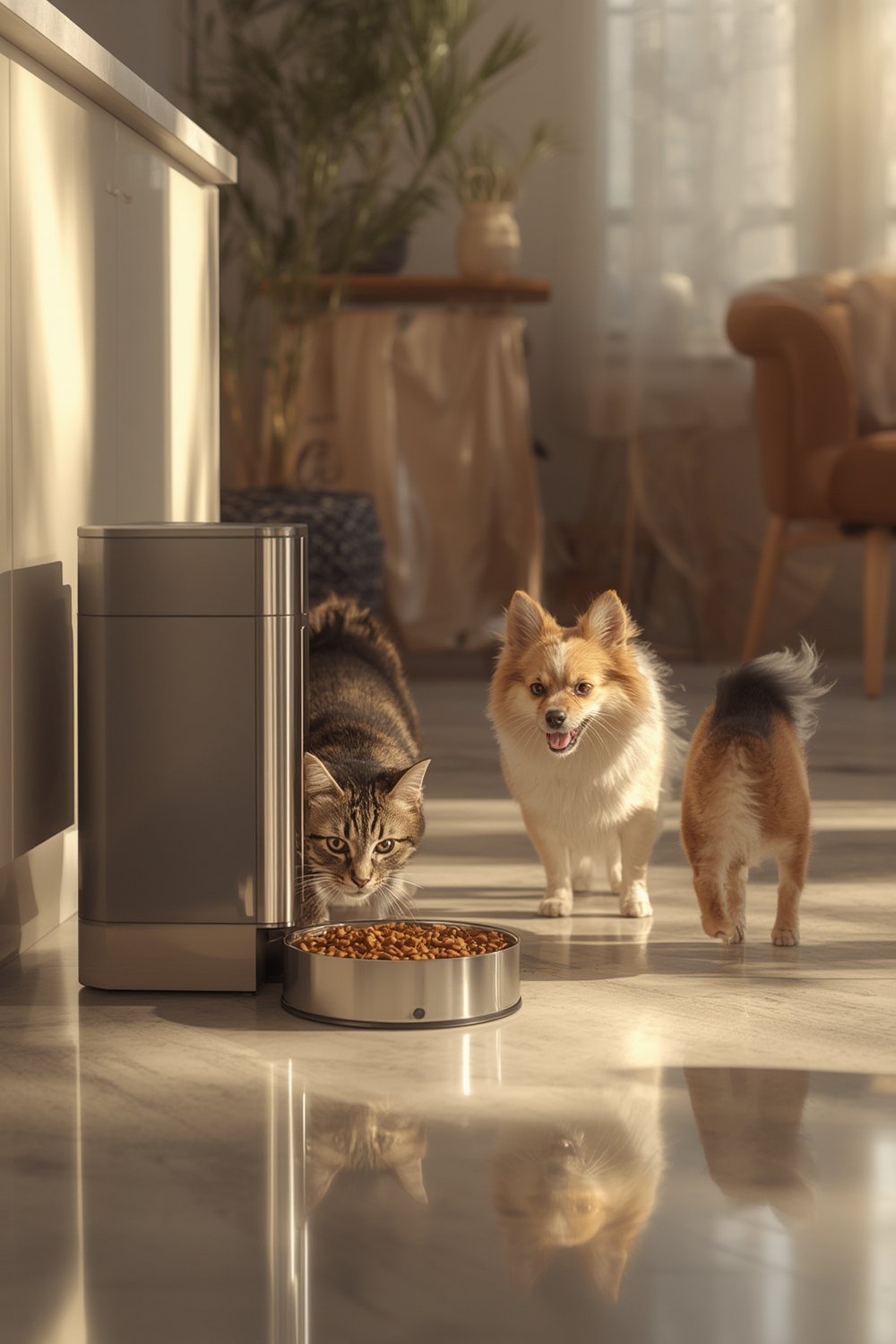
What sets these feeders apart from basic timed dispensers is connectivity. The vast majority—65.88% in 2024—use WiFi-enabled functions for real-time notifications, easy programming, and remote management, placing them at the heart of the modern smart home.
Market adoption is surging. According to Grand View Research, the US smart pet feeder market alone hit $601.38 million in 2024 and is expected to keep growing at over 8% annually. Globally, it reached $1,465.7 million, with North America leading the charge.[source]
Driving factors? Rising pet ownership, busier lifestyles, and the ongoing humanization of pets. Dog models led in sales, but feeders for cats are growing even faster (up to 9.25% CAGR). The most popular capacity is 3 to 5 liters, fitting typical homes.
But a smart automatic pet feeder isn’t just about tech buzz. For owners dealing with irregular schedules, sudden travel, or pets needing strict diets, it can mean true peace of mind. Still, these devices are not all created equal and, despite their promise, bring their own set of considerations.
For example, integration with a smart home is limited by WiFi strength, app reliability, and the device’s build quality. And despite the smart label, many feeders still require backup plans for power loss and network interruptions.
Curious about pet health products? You may also want to explore medicated shampoos for skin conditions in dogs or discover effective pet deodorizers for a cleaner home.
How To Choose And Set Up A Smart Automatic Pet Feeder
Thinking about investing in a smart feeder? Here’s how to get it right from day one.
- Assess Feeding Needs: Are you feeding a cat, dog, or multiple pets? Decide on capacity (3L–5L is most common), number of meals/day, and portion accuracy. Dogs currently drive the biggest market share, but cat feeder growth is now fastest.
- Prioritize Connectivity: WiFi feeders are essential for remote scheduling and monitoring. Double-check if the device supports your network (most do not work on 5GHz routers). If you want visual access, look for models with integrated cameras and night vision.
-
Compare Essential Specs: Consider these technical specs before buying:
- Camera resolution (1080p recommended) and night vision for reliable video
- WiFi standards supported (typically 2.4GHz)
- Portion accuracy (does the feeder consistently deliver the amount you set?)
- Backup power options (battery or power bank support)
Unfortunately, most brands do not provide these specs clearly on listings. Look for detailed product manuals or verified tech reviews when you can.
- Review Cost Structure: Upfront prices range widely, especially for camera-equipped feeders. Some companies now charge monthly fees for video storage or premium app features—check this before you buy, as ongoing costs add up over years.
- Installation & App Setup: Assemble the feeder, connect to WiFi, and download the brand’s app. Run several ‘test feed’ cycles and confirm push notifications arrive as expected. Set backup feeding times if available and always secure the lid to keep curious paws out.
- Routine Testing: Don’t just ‘set and forget.’ Test the device after firmware updates or power interruptions and always keep some food stored outside in case of malfunction.
Still working on a pet enrichment routine? Check out dog lick mats for anxiety and boredom relief or learn how AirTag cat collars help keep pets safe and trackable.
For particularly troublesome pet odors, integrating a dog deodorizer routine can support a cleaner feeding area.
Advanced Analysis & Common Pitfalls
While smart automatic pet feeders offer convenience, not all devices deliver equally—and real-world use highlights common challenges.
- Connectivity Failures: WiFi-dependent feeders can lose connection with your router easily, especially in homes with weak signals or crowded networks. This leads to missing notifications, failed remote feedings, or time lapses in video monitoring. Always test WiFi in the intended location.
- Power Loss: Few feeders include batteries or power banks by default. Power outages can result in missed meals. When comparing feeders, always check for backup options or add your own (a simple USB power bank can go a long way).
- Opaque Subscription Fees: Some top models now restrict advanced settings, video history, or multiple user access behind monthly app or cloud storage subscriptions. Clarify all ongoing fees before committing.
- Security Risks: No current data discloses how feeder video streams are secured, what data is encrypted, or if any feeders have been hacked. If security matters, ask brands directly or seek products with two-factor authentication and local (on-device) storage.
- Unaddressed Features: Many feeder listings gloss over technical details. For instance, camera specs, precise portion accuracy, and compatibility with voice assistants are often unclear. Lack of clarity may cost you the right fit for your home.
| Feature | What to Compare | Hidden Downsides |
| WiFi Support | 2.4GHz only vs both 2.4GHz/5GHz | Single-band feeders can’t connect on modern routers set to 5GHz only |
| Camera Quality | Resolution, night vision | Low-res or lacking night vision? Poor night check-ins |
| Subscription Fees | App unlocks, video storage | Costs add up; features may break if you cancel |
| Portion Control | Programmable increments, test cycles | Cheap feeders mismeasure, causing over- or under-feeding |
| Backup Power | Battery, power bank compatibility | No backup means pet may miss a meal if power drops |
| Security | Encryption, 2FA, privacy policy | Poor security exposes your home video feeds |
It’s also worth reading up on healthy dog treat strategies and the benefits of dog probiotics for overall pet health when adjusting feeding routines.

Final Thoughts
Smart automatic pet feeder adoption is surging in 2024, with WiFi-connected, camera-equipped models dominating the market. But for the best results, buyers must scrutinize connectivity, review hidden costs, and set up solid backup plans. Don’t skip the fine print on app fees or data policies.
A smart automatic pet feeder transforms feeding and peace of mind for busy pet owners. Review your needs, choose carefully, and your pet’s next meal will always be on time—even when you’re not home. Ready to make the switch? Start with a model that puts transparency, power backup, and real-time notifications front and center.
Frequently Asked Questions
Do all smart automatic pet feeders require a monthly subscription?
No, many feeders work with basic scheduling and video streaming at no monthly cost. However, advanced app features—like cloud video history or multi-user access—often add monthly fees. Always check what’s included before buying.
Can I use a smart automatic pet feeder if my WiFi is 5GHz?
Most smart feeders are compatible only with 2.4GHz WiFi. Double-check your router settings or choose a dual-band feeder if your home relies on 5GHz-only networks.
How accurate are the portion sizes in a smart feeder?
Accuracy varies by model. Higher-end feeders are more reliable, but even they should be tested with several cycles (use a kitchen scale) to confirm consistency, especially for pets on strict diets.
What happens if the power goes out or WiFi fails?
Most feeders stop working during a power outage unless equipped with batteries or a backup power bank. Some keep feeding saved schedules, but not all. Without WiFi, remote features and notifications will not work until the connection is restored.
Are smart pet feeders safe from hacking or privacy issues?
There is currently little public information about data security for these devices. If security and privacy are concerns, look for feeders with two-factor authentication, encrypted data streams, and minimal cloud reliance.
[…] management. Adding trending products like collagen sticks for dogs or pioneering tech like smart feeders also helps differentiate your […]
[…] Manufacturers often bury cleaning details deep in their manuals—or skip them. That leaves owners guessing at the right frequency and safest cleaning method. Left unchecked, residue can jam feeder mechanisms, leading to malfunction or microbe growth. Worse, a poorly maintained automatic pet feeder may even put your pet’s health at risk. Learn more about smart automatic pet feeders here. […]
[…] insights (for example, if your pet has allergies or special food needs), consider innovations like WiFi pet feeders with camera, or learn about ways to calm stress using calming chews for […]
[…] you’re passionate about enrichment, check out guides on lick mats for dogs or automatic pet feeders for other slow-feeding and mental challenge […]
[…] An additional advantage: it’s top-shelf dishwasher safe for easy cleaning. For more on slow-feeding and enrichment, see: lick mats for dogs and smart feeder options. […]